

 Image 1 of 4
 Image 2 of 4
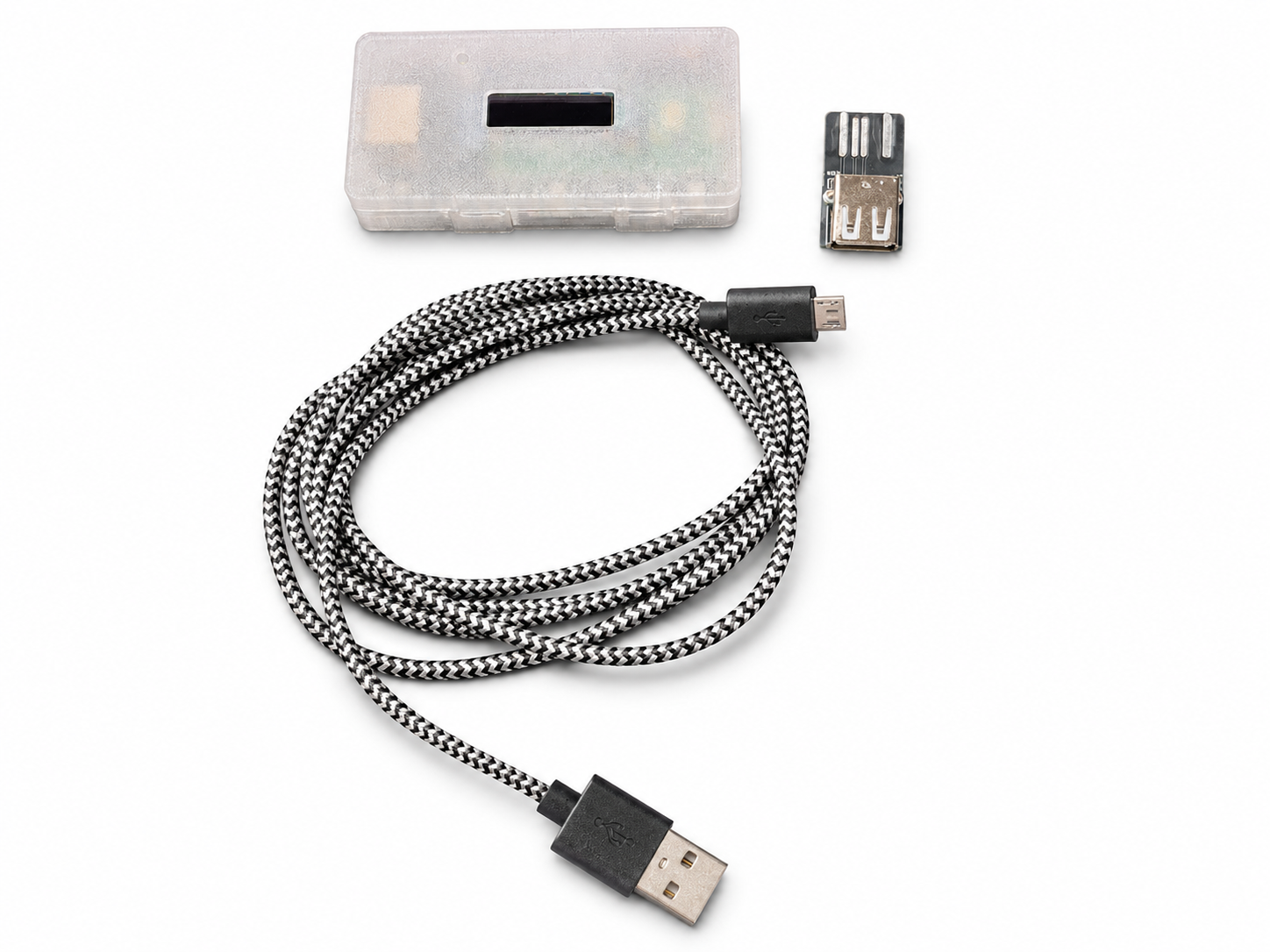 Image 3 of 4
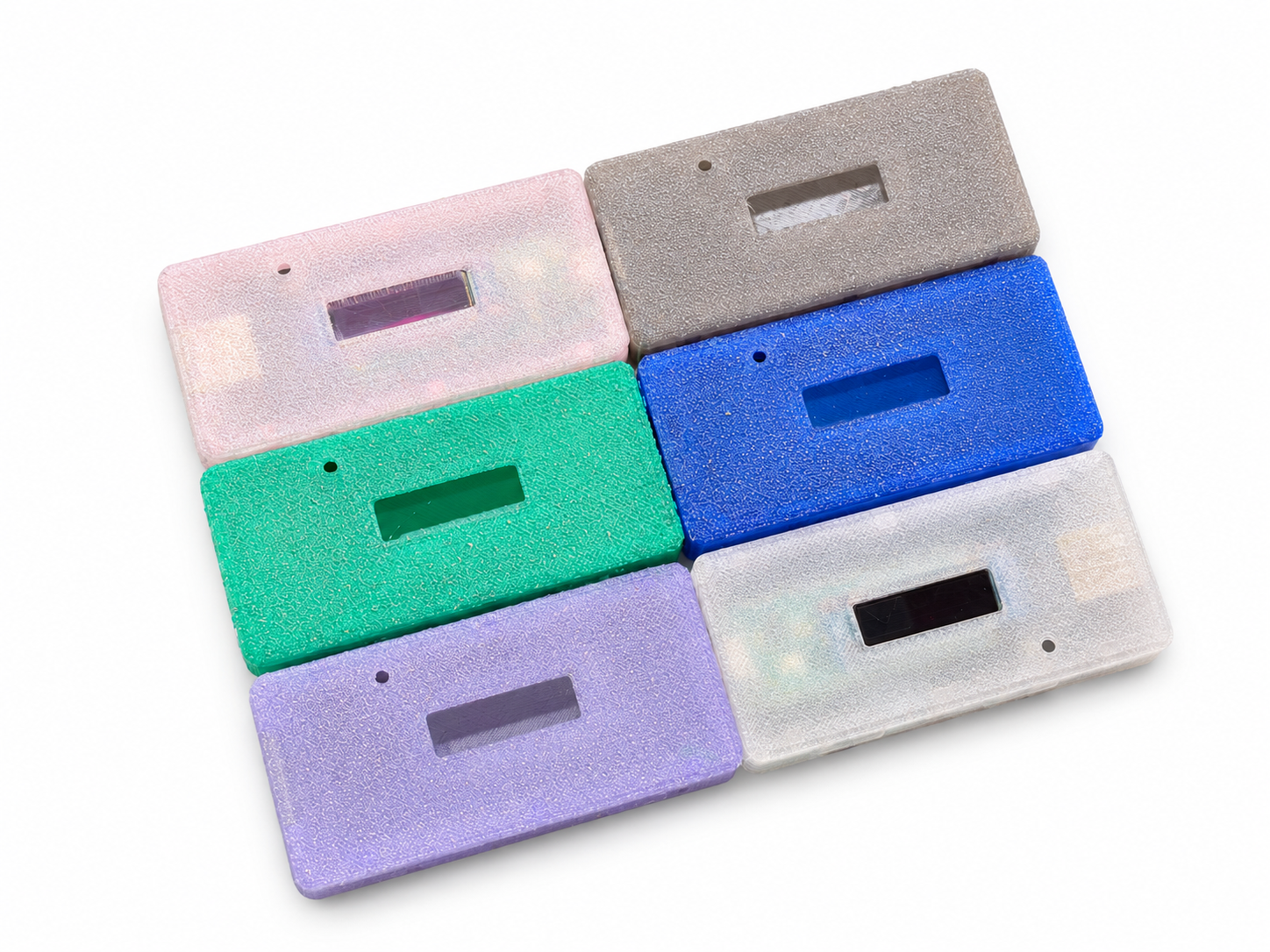 Image 4 of 4
Modern controllers. Classic Xbox gaming.
Bring your favourite controllers to the original Xbox with the DC-OGX-W from Darkone Customs. Connect compatible gamepads over Bluetooth or USB, customise your controls, and save your preferred settings directly on the adapter.
Built-in Wi-Fi gives you access to a browser-based configuration interface from your phone, tablet, or computer. Adjust button mappings, tune stick and trigger response, manage profiles, and install firmware updates—all through the WebUI.
Set up your controls around the way you play. Remap buttons, adjust deadzones and response curves, invert stick axes, and calibrate stick centres, travel, and trigger endpoints. Live input displays help you see what your controller is doing as you configure it.
With eight saved profiles, you can keep different layouts and settings ready for your preferred controllers and games. Import and export profiles to back up your setup or share configurations.
Bluetooth and USB controller support — Choose wireless play or a wired connection with compatible controllers.
Built-in WebUI — Configure the adapter through a browser without a dedicated configuration app.
Eight saved profiles — Store multiple control layouts and tuning settings, with profile import and export.
Custom button mapping — Adapt your controller’s buttons and D-pad to your preferred Xbox layout.
Stick and trigger tuning — Adjust deadzones, response curves, output limits, and stick-axis inversion.
Live Bluetooth calibration — View stick and trigger movement while measuring centres and usable travel.
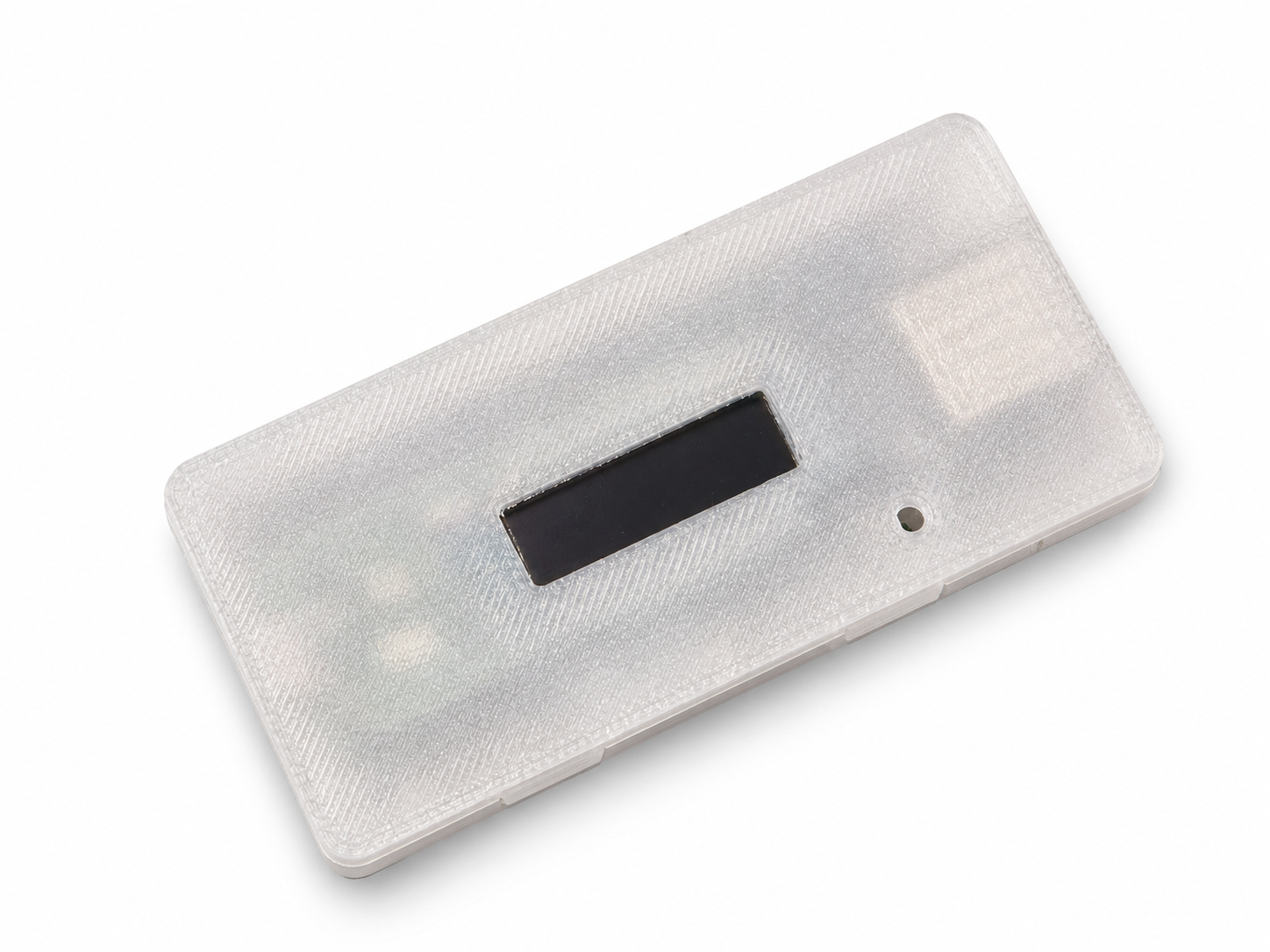
OLED status display — View connection, controller, profile, and network information directly on the adapter.
Configurable RGB status lighting — Personalise profile colours and brightness.
Wi-Fi remote input — Use keyboard and on-screen controls in a dedicated Wi-Fi input mode.
Browser-based firmware updates — Upload firmware through the WebUI to keep your adapter up to date.
Supported controller families include:
Xbox One controllers, including Bluetooth-capable Xbox One S/X-era models
Xbox Series X|S controllers
PlayStation DualShock 3
PlayStation DualShock 4
PlayStation DualSense
Nintendo Switch Pro Controller
Connection methods vary by controller model. Bluetooth requires a Bluetooth-capable controller; some controllers use USB or require a USB connection for initial pairing. Wi-Fi remote input is a separate operating mode from direct Bluetooth controller input.
Give your original Xbox more controller choices—and make those controls your own.
Choose Your Color:
Clear, Purple, Green, Blue, Smoke, or Pink
Incluides:
1x DC-OGX-W adapter
1× 3D Printed shell (leave color choice in the order notes otherwise a random color will be selected)
1x XBOX 2 USB Adapter
1x Micro USB Cable